Editor’s Note: I wrote the post below nearly a decade ago when a “digital writing assistant” was mostly a glorified tool for catching a missing comma or a quick grammar check. Wow, have things changed! While the core advice of leveraging smart tools remains the same, the technology has completely evolved. Here is how we look at writing tools today.
Fast forward to today, and we aren’t just talking about fixing typos anymore—we are living in the age of true artificial intelligence.
Today’s tools don’t just underline a misspelled word in red; they understand context, intent, and tone. If you find yourself typing “grammar” into a search bar late at night because a sentence just doesn’t feel right, modern AI assistants won’t just fix the spelling. They will offer three ways to rewrite your entire paragraph to make it sound sharper, punchier, and more professional.
Whether you use Grammarly’s highly evolved AI features, Microsoft Editor, or built-in browser tools, the writing game has shifted from basic proofreading to full-on collaboration. Modern AI writing assistants now help us:
- Adjust Tones Instantly: Transform a blunt email into a polite, collaborative corporate response.
- Rewrite for Clarity: Break down wordy, complex sentences into crisp, executive summaries.
- Beat Writer’s Block: Generate rough drafts and outlines on the fly when staring at a blank page.
The core lesson from 2017 still stands: take advantage of smart people when they give you great tools. Using AI to refine your grammar, tighten your copy, and polish your message isn’t cheating; it’s just good business.
Read on below to see how it all started back in 2017!
Grammar – How Thou Doest Confuse Thee?
When it comes to grammar, I cheat.
But can you really call it cheating when I use a tool that’s available to everyone? And it’s free!
Grammarly fills the gaps and gives me confidence that what I’m writing is mostly correct…more correct than before, at least.
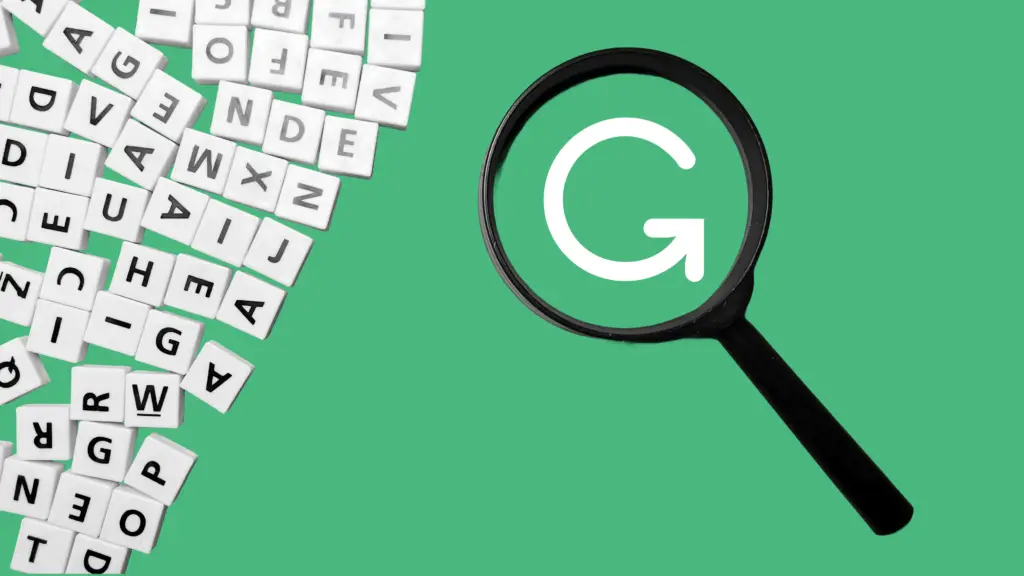
Here’s how it works. It literally checks your writing for the correct use of grammar to ensure that everything you type is easy to read, effective, and mistake-free. As I type, there is a small green G in the bottom right of my screen. I see it spinning and checking my sentence structure and grammar. If it finds an error, it will underline the error and help me fix it on the fly.
In writing this article, I made at least 5 mistakes in my grammar! I even get reports to let me know how words I write, what percentage were correct, and how I compare to the rest of the world (I’m not too shabby most weeks).
Key items it looks for are:
- Missing a comma in a compound sentence
- Confused prepositions
- Wordy sentences
- Overuse of passive voice
I’m a repeat offender of all of these, but hopefully, you will never know it!
I have the plugin installed for Chrome, which is useful for writing emails in the browser, or even for this blog. I also have it installed on OSX to check basically everywhere else. You can use their web browser if you want to copy and paste something in for the app to check out, too.
There are also paid plans that you can purchase monthly or at a discounted rate for yearly plans that will provide a deeper analysis of your grammar content.
The plugin was built by linguists and language lovers…you know, people smarter than me. One thing I’ve learned is to take advantage of smart people when they are giving out free tools.
If you are already a user, I would love to hear about your experiences. If you aren’t, go download it today at Grammarly.com and check it out.